

Special Security

Scan a website for malware
--------------------------------------------------------------------------------Threat Maps--------------------Other Security------------------------------------------------------------------------------------------------------------------------
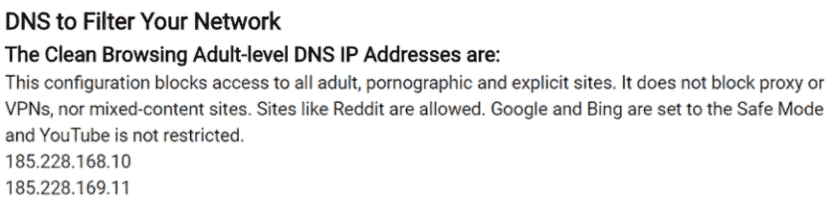
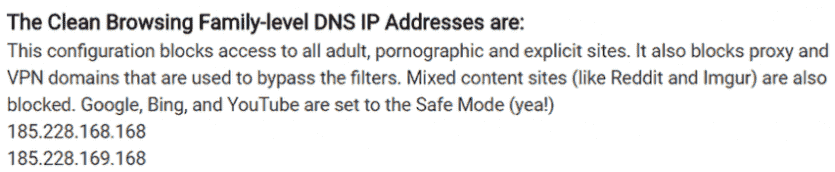
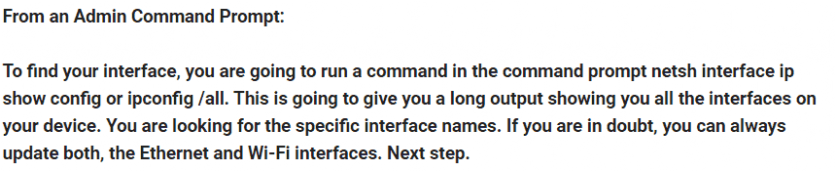
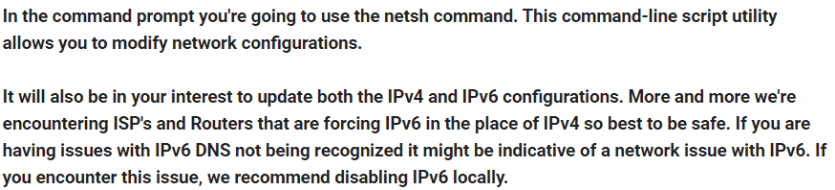
After finding your WiFi and or Ethernet names, from an Admin Command Prompt:
Windows 10
Inside the command prompt, copy and paste the following command to change your DNS for the "Wi-Fi" interface (be sure to replace the name in quotes with the found names):
IPv4 using Family Filter:
netsh interface ipv4 set dns "Wi-Fi" static 185.228.168.168 primary
netsh interface ipv4 add dns "Wi-Fi" 185.228.169.168 index=2
IPv6 using Family Filter:
netsh interface ipv6 set dns "Wi-Fi" static 2a0d:2a00:1:: primary
netsh interface ipv6 add dns "Wi-Fi" 2a0d:2a00:2:: index=2
______________________________________________________________________________________________________
From an Admin Command Prompt:
Windows 7
The command for Windows 7 is slightly different. For IPv4:
netsh interface ip set dns "Wi-Fi" static 185.228.168.168
For IPv6:
netsh interface ipv6 set dns "Wi-Fi" static 2a0d:2a00:1::
If there are no warnings, it means the change succeeded. You can confirm it was modified by running:
netsh interface ip show config
______________________________________________________________________________________________________
The OpenDNS Family Shield DNS IP
The OpenDNS Family Shield DNS will block adult content, including “Pornography,” “Tasteless,” and “Sexuality.” It will also block VPNs and proxy servers. It can also block phishing websites and certain types of malware.
208.67.222.123
208.67.220.123
______________________________________________________________________________________________________
Site scanning is a term associated with website’s security. It is the process in which a particular site is checked for any kind of problem occurrence in it. The process is done to know whether the site contains any malfunction or not. Scan site for malware detection is an old, yet very useful method for the detection of any problem.
What are the Common website Vulnerabilities?
Any any site can undergo these vulnerability problem.
Site hacking –
There are hackers present all around in the internet. You just have to be very careful if you want your site to be safe. This makes it very important to perform different scanning techniques.
Security misconfiguration –
Hackers try their best to get the site security details, including the server, platform, framework and back end database. Hackers can change the important informations if no security is applied on the site.
Broken authentication –
These are the website authority and session management vulnerabilities, which usually occur because of unprotected authentication credentials. These need to be secured on a proper basis, as any problem may cause data loss-like problems.
SQL Injection –
This is a common website hacking technique which is used by the malicious attackers to hack the site. They put the malicious code in the SQL statement of a webpage, and as a result can hack the information in the site’s database server.
(Excerpt from Why Scan Site for Malware Detection is Important and How it Can be Done? By Blogvault Staff | Dec 6, 2017 | Security |)